








HP Omen 15-DC1044NA Gaming Laptop I7 9750H CPU, RTX 2060, 16GB RAM, 512GB SSD
GBP 363.70
Condition: Used
Category:
Electronics
Fast Shipping
Estimated delivery in 3-5 daysEasy Returns
30-day returns, buyer pays return shipping
For sale is my HP Omen 15.
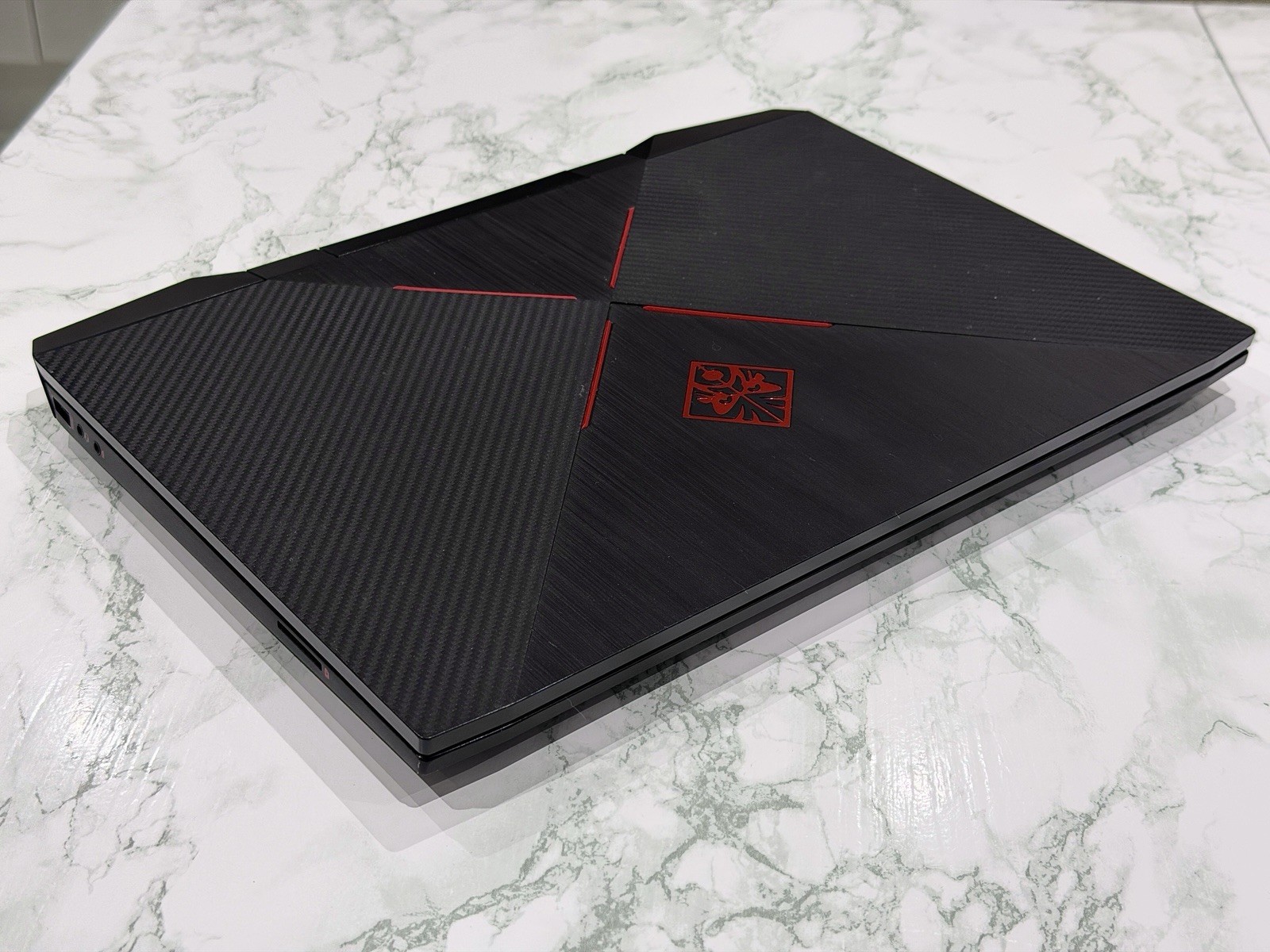
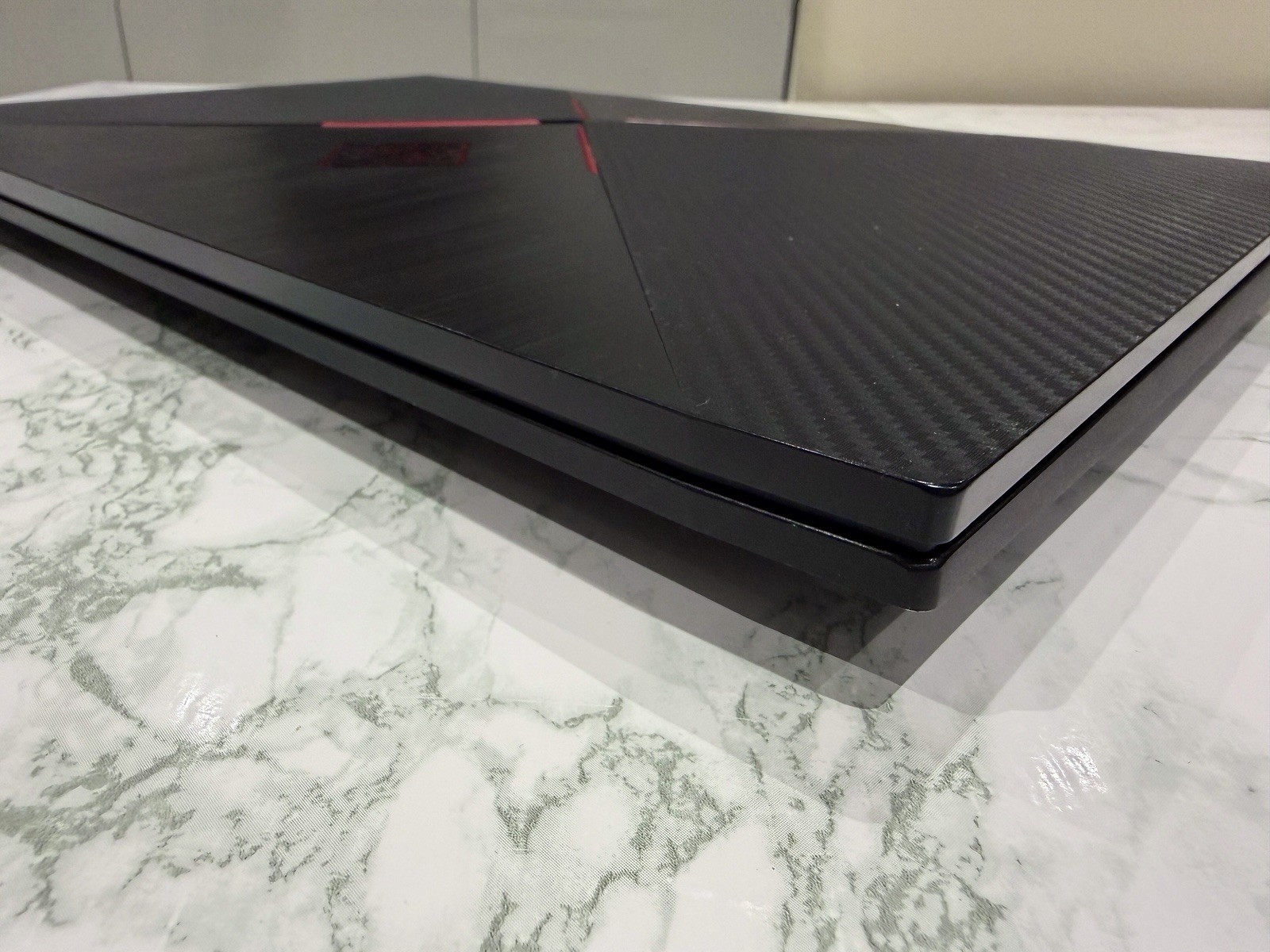
In very good condition, I’ve used it more for video editing but I’m also a casual gamer. I played titles like Fallout 76, FC 24, Deadpool, and some old need for speed games (e.g. NFS Most Wanted 2005) and I never had any issues with performance playing at maximum settings or very high at 60fps or more if unlocked (please note that latest AAA games could perform differently).
Specifications:
- 1920x1080 Full HD Display (144hz)
- Storage: 512gb SSD + 1Tb HDD (both upgradable).
- RAM: x2 8gb DDR4 2666 MHz (16gb in total, upgradable to x2 16gb, 32gb total).
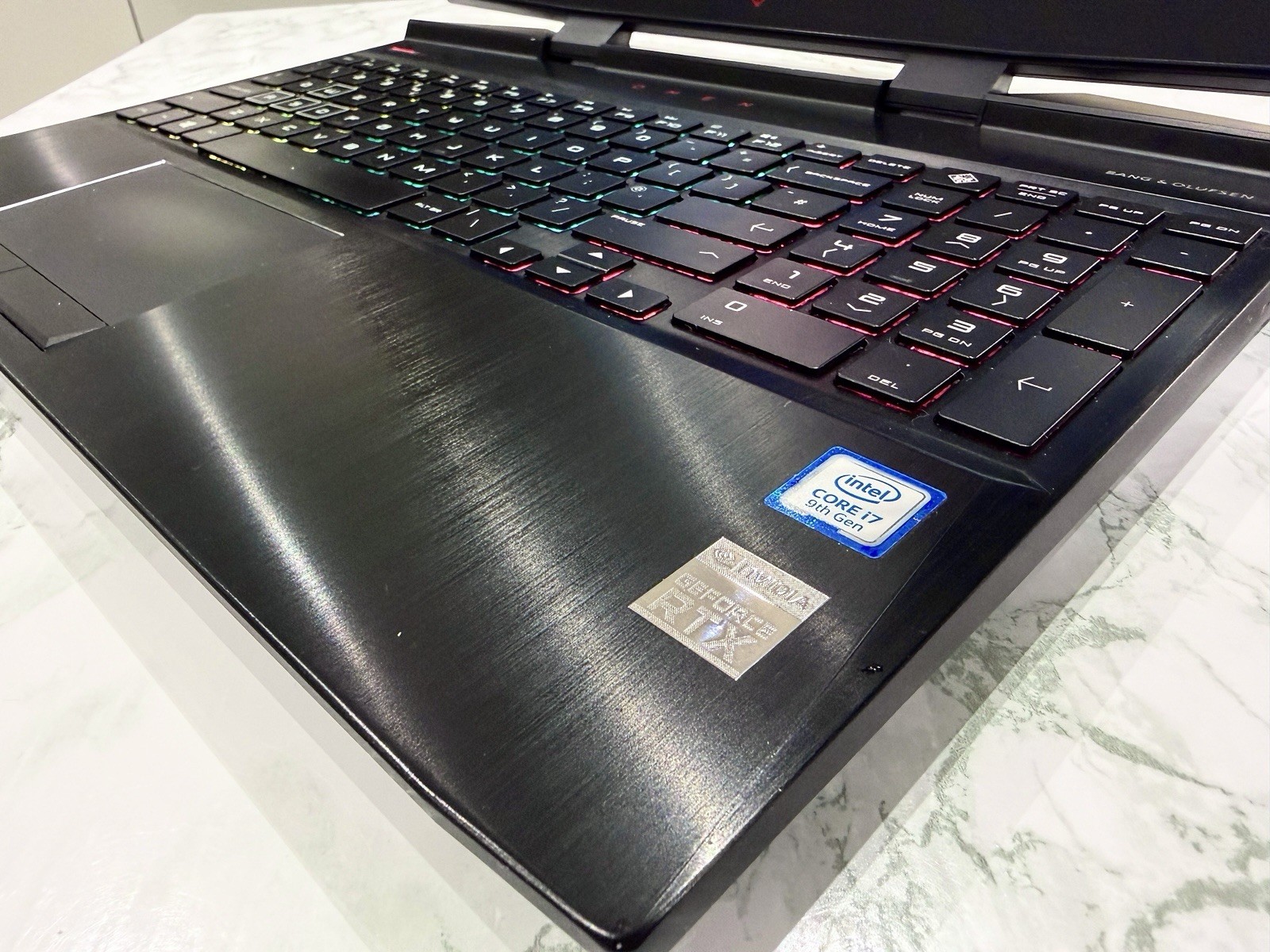
- Graphics: NVIDIA GeForce RTX 2060 6GB GDDR6.
- Processor: Intel Core i7 9750H (9th Gen) 2.60 GHz.
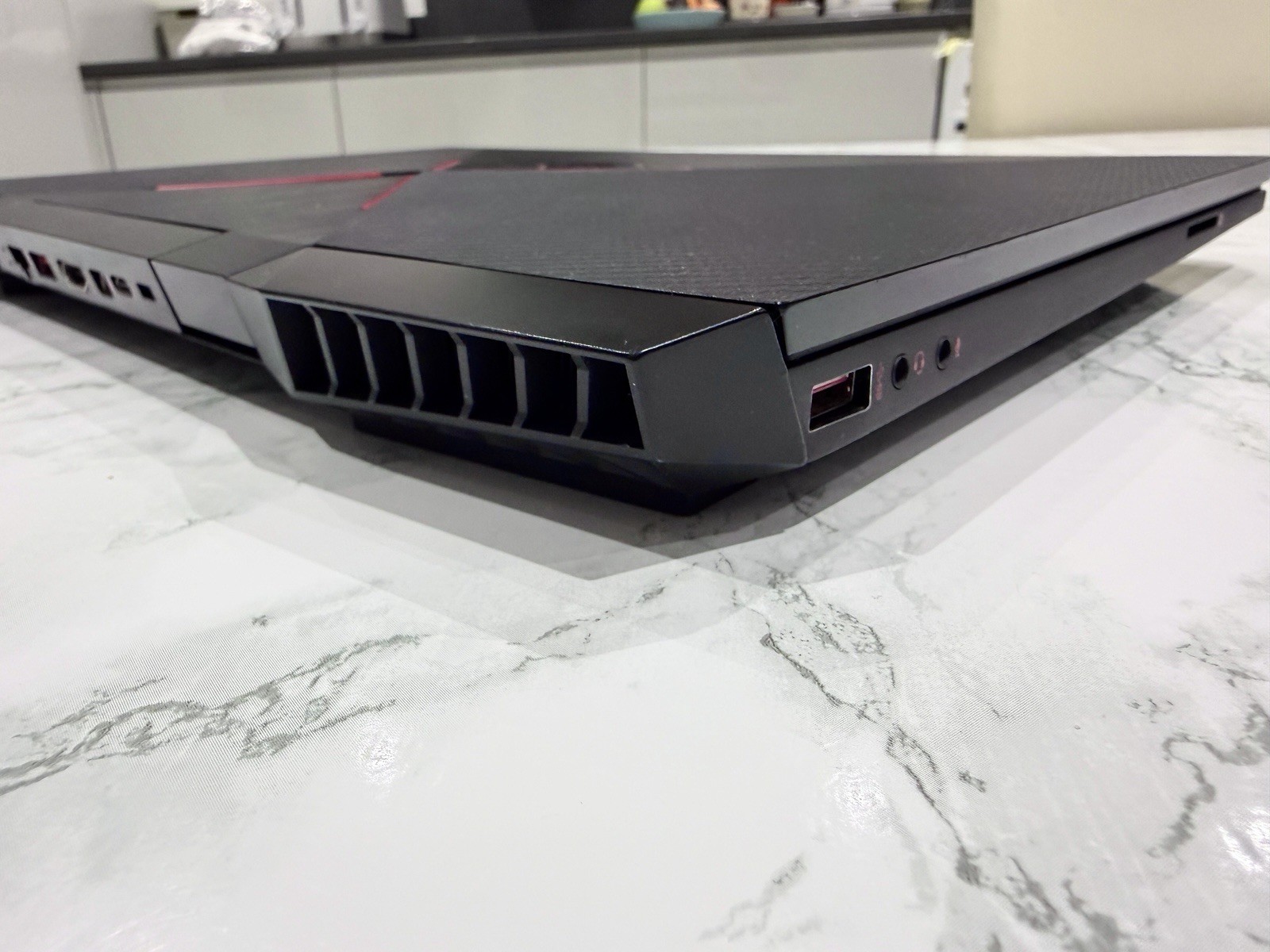
- Ports: x3 USB, x1 HDMI, x1 USB-C, x1 SD Card, x1 Thunderbolt, x1 Ethernet, x1 3.5mm Headphone jack, x1 3.5mm Microphone jack.
- Windows 11.
- RGB Keyboard.
Comes with latest windows 11 version, latest nvidia drivers and also, it’s clean (I did my best to clean it carefully as I hate it when people sell dirty/filthy items) and the last thermal paste replacement was done in January 2025 (almost 12 months). All keys on the keyboard work well, lighting can be controlled by the Omen Lighting Studio app. Comes with the original 200W power adapter.
Known Minor Issues:
- There’s a tiny group of pixels on the right part of the display (around the same size of the mouse pointer) that struggles to display dark colours, such as black or dark greys. It completely disappears in medium to light colours, in fact it’s not even visible 90% of the times. To show this I’ve included 3 photos where I display a plain black wallpaper and a browser window open to demonstrate that pixels are not dead. I had this laptop for a couple of years and this was never a big deal to me.
- Fans can get quite loud even while doing basic things like web browsing or using system apps. In heavy games, CPU temps can get up to 90°-95°. This is not an issue with functionality, but it’s something to have in mind: this laptop runs hot, even with proper maintenance and thermal paste replacements because it’s something that came like that by design. In my case I used Throttlestop by TechPowerUp and the problem was gone. Also, use monitoring apps to check the temps. I use MSI Afterburner + Rivatuner Statistics (I’ll be including these programs already in case you have any issues). But even if the laptop reaches these temps, it won’t actually throttle, it never did to me.
- The battery can hold some charge but needs a battery replacement, specially if you’re planning on using it unplugged for hours.
- If you run out of battery, the next time you turn the laptop on you’ll have to configure the rgb lights through the Omen Gaming Hub App. This is not an issue but a bug (HP is responsible for buggy tool updates).
- The headphone jack works perfectly fine but sometimes if you move around too much, the headphones can stick back out and disconnect. Not an issue if you’re not moving around. Also, you can connect headphones through the usb-c port as a second option.
Postage to UK only.
Feel free to ask me any questions!
In very good condition, I’ve used it more for video editing but I’m also a casual gamer. I played titles like Fallout 76, FC 24, Deadpool, and some old need for speed games (e.g. NFS Most Wanted 2005) and I never had any issues with performance playing at maximum settings or very high at 60fps or more if unlocked (please note that latest AAA games could perform differently).
Specifications:
- 1920x1080 Full HD Display (144hz)
- Storage: 512gb SSD + 1Tb HDD (both upgradable).
- RAM: x2 8gb DDR4 2666 MHz (16gb in total, upgradable to x2 16gb, 32gb total).
- Graphics: NVIDIA GeForce RTX 2060 6GB GDDR6.
- Processor: Intel Core i7 9750H (9th Gen) 2.60 GHz.
- Ports: x3 USB, x1 HDMI, x1 USB-C, x1 SD Card, x1 Thunderbolt, x1 Ethernet, x1 3.5mm Headphone jack, x1 3.5mm Microphone jack.
- Windows 11.
- RGB Keyboard.
Comes with latest windows 11 version, latest nvidia drivers and also, it’s clean (I did my best to clean it carefully as I hate it when people sell dirty/filthy items) and the last thermal paste replacement was done in January 2025 (almost 12 months). All keys on the keyboard work well, lighting can be controlled by the Omen Lighting Studio app. Comes with the original 200W power adapter.
Known Minor Issues:
- There’s a tiny group of pixels on the right part of the display (around the same size of the mouse pointer) that struggles to display dark colours, such as black or dark greys. It completely disappears in medium to light colours, in fact it’s not even visible 90% of the times. To show this I’ve included 3 photos where I display a plain black wallpaper and a browser window open to demonstrate that pixels are not dead. I had this laptop for a couple of years and this was never a big deal to me.
- Fans can get quite loud even while doing basic things like web browsing or using system apps. In heavy games, CPU temps can get up to 90°-95°. This is not an issue with functionality, but it’s something to have in mind: this laptop runs hot, even with proper maintenance and thermal paste replacements because it’s something that came like that by design. In my case I used Throttlestop by TechPowerUp and the problem was gone. Also, use monitoring apps to check the temps. I use MSI Afterburner + Rivatuner Statistics (I’ll be including these programs already in case you have any issues). But even if the laptop reaches these temps, it won’t actually throttle, it never did to me.
- The battery can hold some charge but needs a battery replacement, specially if you’re planning on using it unplugged for hours.
- If you run out of battery, the next time you turn the laptop on you’ll have to configure the rgb lights through the Omen Gaming Hub App. This is not an issue but a bug (HP is responsible for buggy tool updates).
- The headphone jack works perfectly fine but sometimes if you move around too much, the headphones can stick back out and disconnect. Not an issue if you’re not moving around. Also, you can connect headphones through the usb-c port as a second option.
Postage to UK only.
Feel free to ask me any questions!
| Processor | Intel Core i7-9750H |
|---|---|
| Screen Size | 15.6 in |
| Graphics Processing Type | Dedicated Graphics |
| RAM Size | 16 GB |
| MPN | 15-DC1044NA |
| SSD Capacity | 512 GB |
| Most Suitable For | Gaming |
| GPU | RTX 2060 |
| Processor Speed | 2.60 GHz |
| Colour | Black |
| Brand | HP |
|---|---|
| Type | Notebook/Laptop |
| Unit Type | Unit |
| Manufacturer Warranty | 1 Year |
| Maximum Resolution | 1920 x 1080 |
| Model | HP OMEN 15 (15-dc1044na) |
| Connectivity | HDMI |
| Operating System | Windows 11 Home |
| Hard Drive Capacity | 1 TB |
| Storage Type | HDD + SSD |